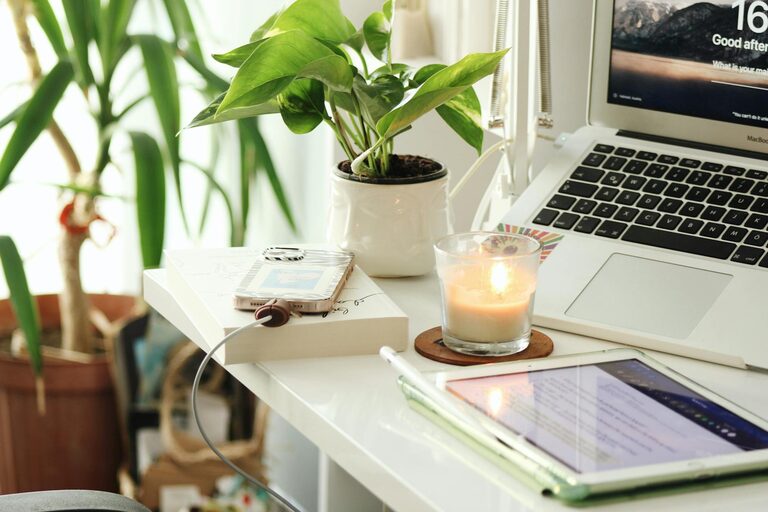
Creating a home workspace that feels cozy yet productive can significantly improve your work-from-home experience. Whether you’re a remote worker, freelancer, or someone who occasionally brings work home, having a dedicated, comfortable area helps you stay focused and motivated. In this post, we’ll share practical tips to help you design a home office that balances comfort with efficiency.
Why Your Workspace Matters
Your environment plays a crucial role in how well you work. A cluttered, uncomfortable space can lead to distraction and fatigue, while a well-designed workspace can boost concentration, creativity, and overall satisfaction. A cozy atmosphere helps reduce stress, while productivity-focused elements keep you on task throughout the day.
1. Choose the Right Location
Pick a Quiet Spot
Selecting a quiet corner of your home reduces noise interruptions and creates a calm environment. If possible, find a space away from high-traffic areas like the kitchen or living room.
Consider Natural Light
Natural light improves mood and energy levels. Position your desk near a window to take advantage of daylight while avoiding glare on your screen. If natural light is limited, invest in good quality artificial lighting.
2. Invest in Ergonomic Furniture
Supportive Chair
A comfortable chair with adjustable height and lumbar support helps maintain good posture and reduces strain during long work hours.
Functional Desk
Choose a desk that fits your space and holds all your work essentials. Adjustable desks or standing desks offer variety to reduce sitting time and promote better health.
3. Organize for Efficiency
Declutter Regularly
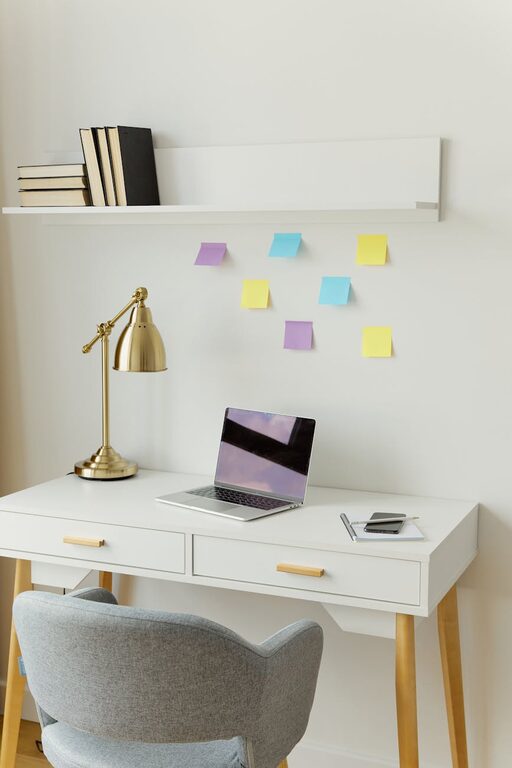
Keep only what you need on your desk. Use drawers, shelves, or storage boxes to store items that don’t need to be in sight.
Use Organizers
Desk organizers, cable management tools, and file holders keep everything tidy and easy to find, reducing distractions.
4. Add Personal and Cozy Touches
Soft Textiles
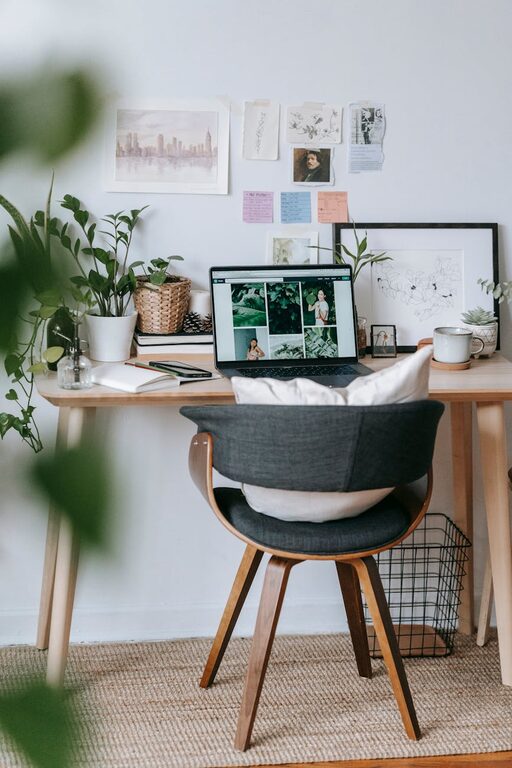
Incorporate cushions, a cozy throw blanket, or a small rug to soften the space and add warmth.
Plants and Greenery
Plants not only improve air quality but also create a calming atmosphere and add a splash of color.
Personal Decor
Photos, artwork, or inspirational quotes can boost your mood and personalize your space without causing clutter.
5. Optimize Lighting
Layered Lighting
Combine ambient lighting with task lighting, such as desk lamps, to create a balanced environment that reduces eye strain.
Adjustable Brightness
Use lighting with adjustable brightness or color temperature to suit different times of the day and tasks.
6. Minimize Distractions
Noise Control
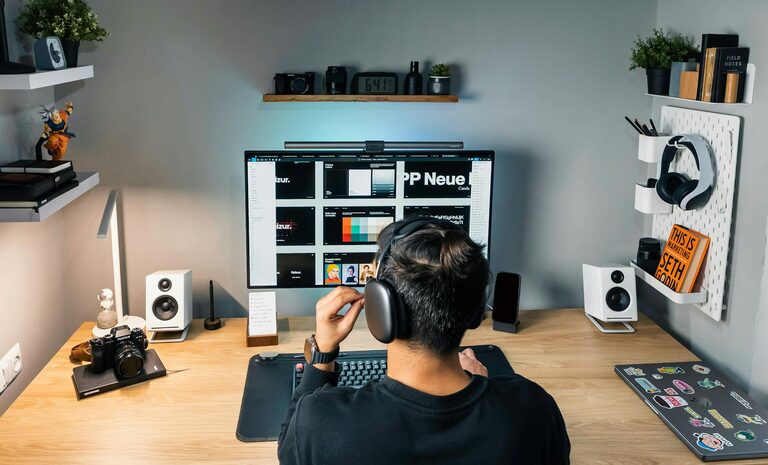
Use noise-cancelling headphones or white noise machines if external sounds disrupt your workflow.
Digital Distractions
Organize your computer desktop and use apps that promote focus by limiting notifications or blocking distracting websites.
7. Create Zones for Different Activities
If space allows, separate areas for different tasks can be helpful. For example:
– A sitting desk area for deep work
– A standing area for quick tasks or brainstorming
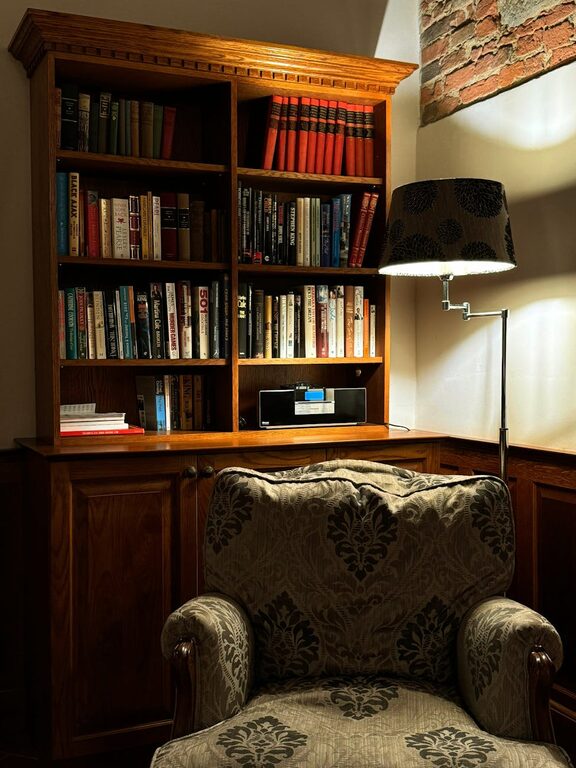
– A comfortable spot for reading or video calls
8. Maintain a Routine and Keep the Space Clean
Daily Tidying
Spend a few minutes at the end of each workday tidying your workspace to start fresh the next morning.
Regular Breaks
Incorporate short breaks to stretch or move around, which supports both productivity and well-being.
—
Creating a cozy and productive home workspace is about finding a balance between comfort and function. By thoughtfully organizing your area, investing in ergonomic furniture, and adding personal touches, you’ll set yourself up for more enjoyable and efficient workdays right from home. Try some of these suggestions and adjust as needed to fit your unique style and workflow.
About the Author