Creating a productive home office space is essential for anyone working remotely or managing tasks from home. A well-designed workspace not only boosts efficiency but also enhances comfort and mental well-being. Whether you have a dedicated room or just a corner in your living space, these tips can help you set up an environment that fosters focus and creativity.
Choose the Right Location
The first step in setting up a productive home office is selecting the best spot. Ideally, choose a quiet area away from high-traffic zones to minimize distractions.
– Natural light: Pick a location near a window to take advantage of natural light, which can improve mood and energy.
– Privacy: If possible, find a space where you can close the door or create a visual barrier.
– Space: Ensure there is enough room for your desk, chair, and any equipment or storage you need.
Invest in Ergonomic Furniture
Comfort plays a significant role in staying productive throughout the day. An ergonomic setup helps prevent strain and fatigue.
– Chair: Choose a supportive office chair with adjustable height and lumbar support.
– Desk: Opt for a desk at a height where your arms can rest comfortably while typing.
– Keyboard and mouse: Consider ergonomic models to reduce wrist strain.
– Monitor: Position the monitor at eye level to prevent neck pain.
Organize Your Workspace
A clutter-free area promotes focus and reduces stress. Keep your workspace tidy with these tips:
– Declutter regularly: Remove unnecessary items from your desk daily.
– Storage solutions: Use shelves, drawers, or organizers to keep supplies in order.
– Cable management: Employ clips or ties to keep cords neat and out of the way.
– Minimal decoration: Decorate with a few personal items that inspire you, but avoid overcrowding.
Optimize Lighting
Proper lighting reduces eye strain and helps maintain alertness.
– Natural light: As mentioned, natural light is beneficial but avoid screen glare.
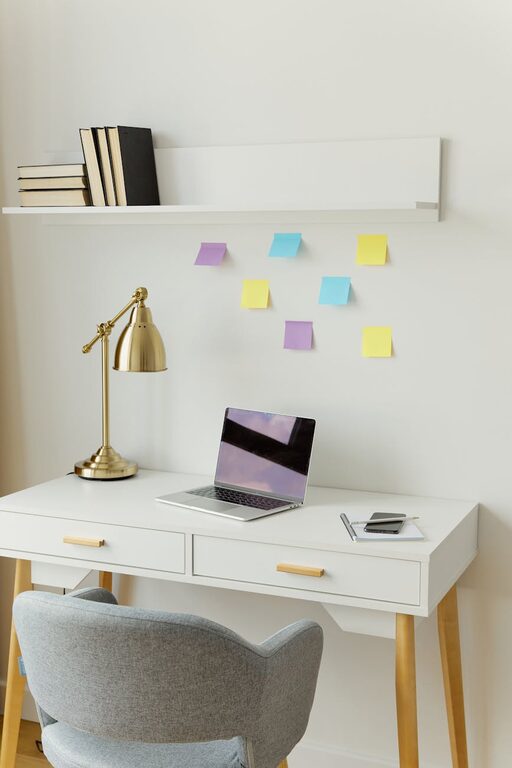
– Task lighting: Use a desk lamp with adjustable brightness and direction.
– Ambient lighting: Ensure your room has sufficient overall light to prevent stark contrasts.
Set Up Technology Efficiently
Your devices and connections should support your workflow.
– Strong internet connection: A reliable, high-speed connection is crucial for video calls and cloud work.
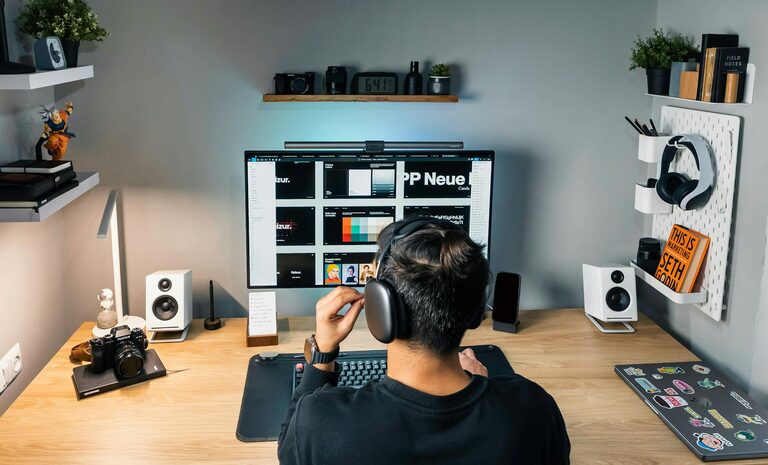
– Multiple monitors: If your work requires multitasking, consider two or more screens.
– Headphones: Noise-canceling headphones can help block out distractions.
– Backup power: Use a surge protector or UPS to safeguard against outages.
Create a Routine and Boundaries
A productive space is also about how you use it.
– Dedicated work hours: Stick to a schedule to maintain work-life balance.
– Break area: Designate a separate spot for breaks to mentally separate work and rest.
– Limit distractions: Inform family members of your work times and minimize interruptions.
Personalize Your Space
Adding touches that reflect your personality can boost motivation.
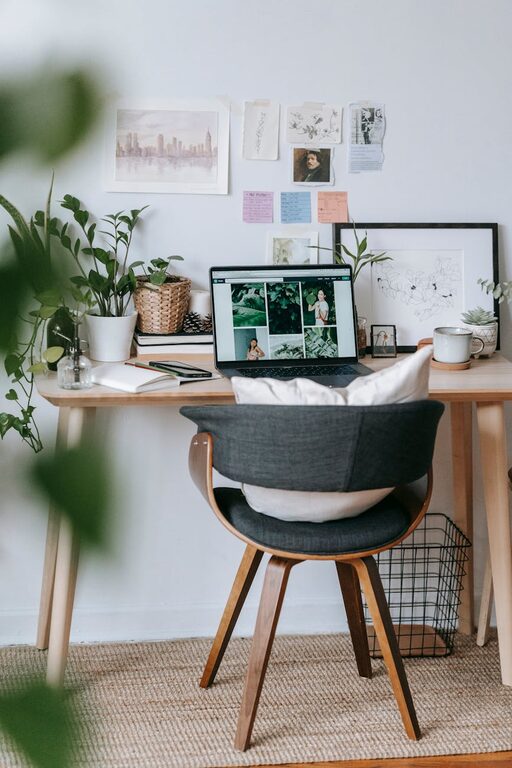
– Plants: Incorporate greenery for a calming atmosphere.
– Artwork: Choose images that inspire or relax you.
– Colors: Use colors that make you feel energized or focused, such as blues or greens.
Maintain Air Quality and Comfort
A comfortable environment supports health and concentration.
– Ventilation: Open windows regularly or use an air purifier.
– Temperature: Keep the room at a comfortable temperature.
– Hydration: Keep water nearby to stay hydrated.
Regularly Review and Adjust Your Setup
As your work habits or job requirements change, so should your office.
– Ergonomics check: Reassess your chair and desk position periodically.
– Technology updates: Upgrade hardware and software as needed.
– Declutter: Make decluttering a frequent habit to stay organized.
—
A well-planned home office can make remote work more enjoyable and productive. By focusing on comfort, organization, lighting, and personal touches, you’ll create an inspiring space that helps you achieve your best work every day.
About the Author