Creating a cozy and productive home workspace is key to enjoying your work-from-home routine and staying focused throughout the day. Whether you have a dedicated room or just a corner of your living space to work with, setting up an environment that balances comfort and efficiency can make a big difference. In this post, we’ll explore practical tips and ideas to help you design a workspace that suits your needs perfectly.
Why a Cozy and Productive Workspace Matters
A well-designed home office does more than just look nice. It helps reduce distractions, supports good posture, and keeps you motivated. When your workspace feels inviting and functional, you’re likely to experience better concentration and overall satisfaction with your workday.
Choosing the Right Location
Find a Quiet Spot
Ideally, select a space away from household noise and foot traffic. If you live in a small apartment, consider creating a nook dedicated exclusively to work. Even a section of a room with a room divider or bookshelf can provide a mental boundary between work and leisure.
Consider Natural Light
Natural lighting uplifts mood and reduces eye strain. Position your desk near a window if possible, but avoid glare on your computer screen. If natural light isn’t an option, invest in good-quality artificial lighting that mimics daylight.
Essential Furniture and Ergonomics
Invest in a Comfortable Chair
A supportive chair is essential for long hours of work. Look for one with adjustable height, lumbar support, and comfortable padding. Your back will thank you.
Choose a Suitable Desk
Find a desk that fits your space and work style. Some prefer standing desks or convertible options that allow switching between sitting and standing positions. Make sure it has enough surface area for your computer, documents, and any tools you regularly use.
Maintain Ergonomic Setup
Keep your monitor at eye level and about an arm’s length away to avoid neck strain. Your keyboard and mouse should be positioned so your arms rest comfortably, elbows at roughly 90 degrees.
Personalize Your Space for Comfort and Focus
Add Cozy Textiles
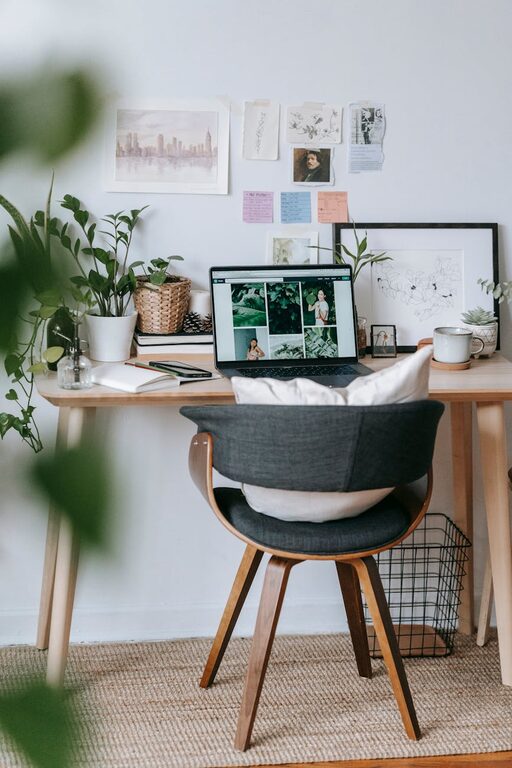
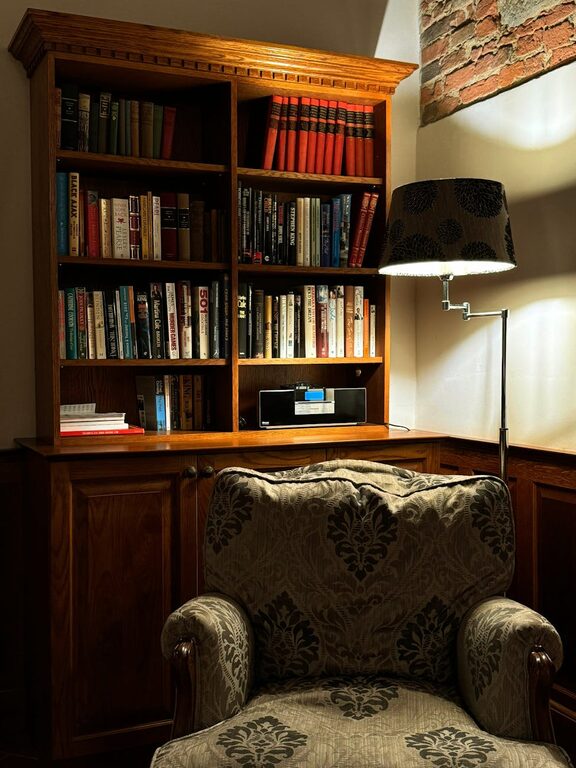
Throw blankets, cushions, or a soft rug can add warmth and comfort to your space. These small additions make your work area feel inviting without distracting.
Incorporate Plants
Plants not only brighten your space but can also improve air quality and reduce stress. Low-maintenance options like spider plants or succulents are perfect for busy workdays.
Use Calming Colors and Decor
Soft, neutral colors tend to promote calm and focus. Use artwork, photos, or inspirational quotes that motivate you, but avoid clutter to keep distractions minimal.
Organize for Efficiency
Declutter Your Desk
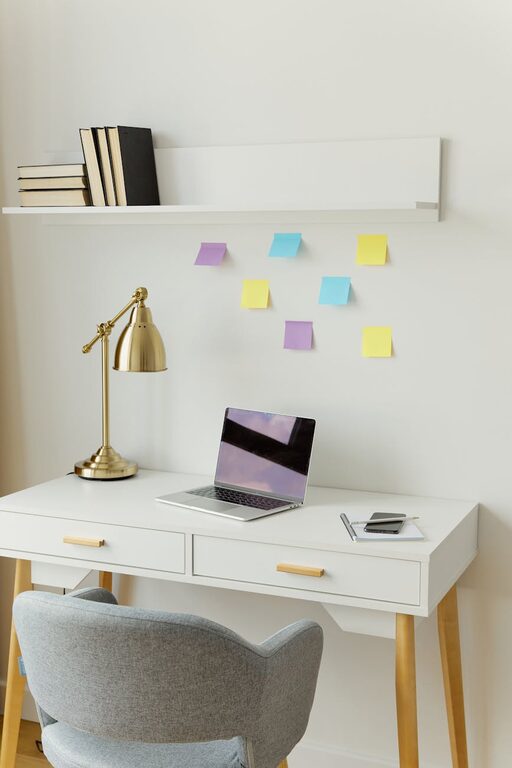
A tidy workspace boosts productivity. Use trays, drawers, and organizers to keep pens, paper, and other essentials within reach but out of the way.
Employ Cable Management
Tidy cables with clips or sleeves to prevent tangles and mess. A clean setup is easier to maintain and looks professional on video calls.
Digital Organization
Organize your computer files and emails regularly. Use folders, labels, and productivity apps to keep important documents and tasks easy to find.
Create Boundaries and Routines
Set Work Hours
Having defined work hours helps maintain balance between personal time and work. Communicate your schedule with household members to minimize interruptions.
Take Regular Breaks
Incorporate short breaks to stretch, hydrate, and rest your eyes. Use techniques like the Pomodoro method (25 minutes work, 5 minutes break) for better focus.
Use Noise Control Tools
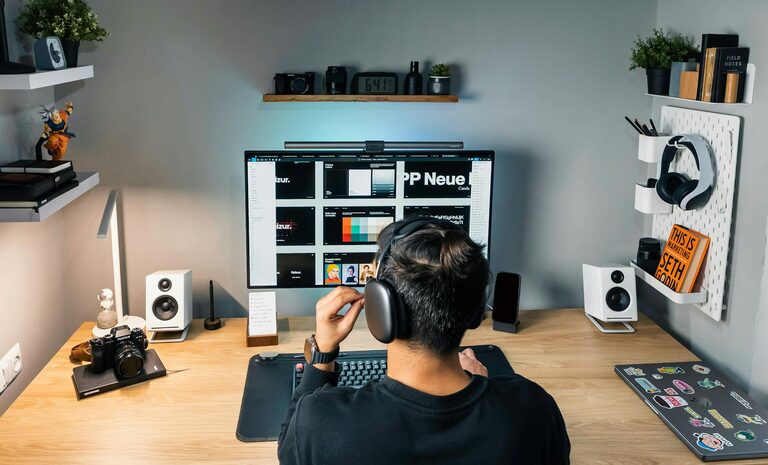
If background noise distracts you, consider noise-cancelling headphones or soft background music to enhance concentration.
Tech Tips for a Smooth Workflow
Reliable Internet Connection
A strong and stable internet connection prevents frustrating interruptions. Consider an upgrade if your current setup causes slowdowns.
Invest in Quality Equipment
Use a good microphone and camera if video calls are part of your routine. Proper equipment improves communication and reduces stress during meetings.
Backup Your Data
Regularly back up your work to avoid losing important files. Cloud storage services offer convenient and secure options.
Final Thoughts
Designing a cozy and productive home workspace is about balancing comfort and practical needs. By choosing the right location, investing in ergonomic furniture, personalizing your space, and staying organized, you can create an environment that supports your best work. Remember, small changes can make a big difference—start with one or two tips and adjust as you find what works best for you.
Enjoy your work-at-home journey with a space that feels just right!
About the Author