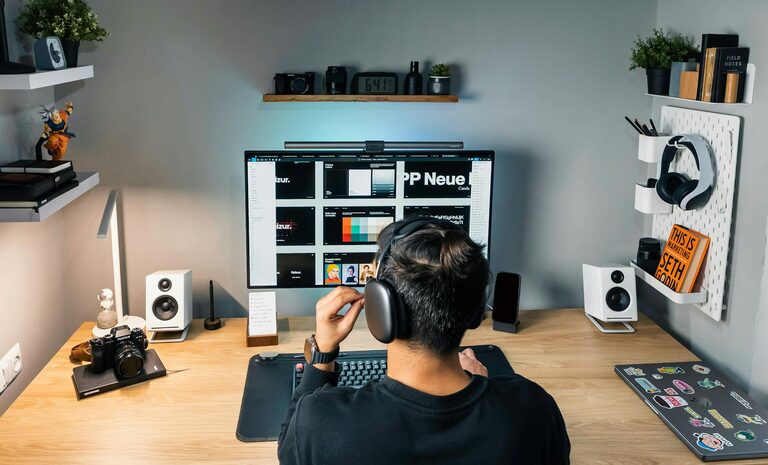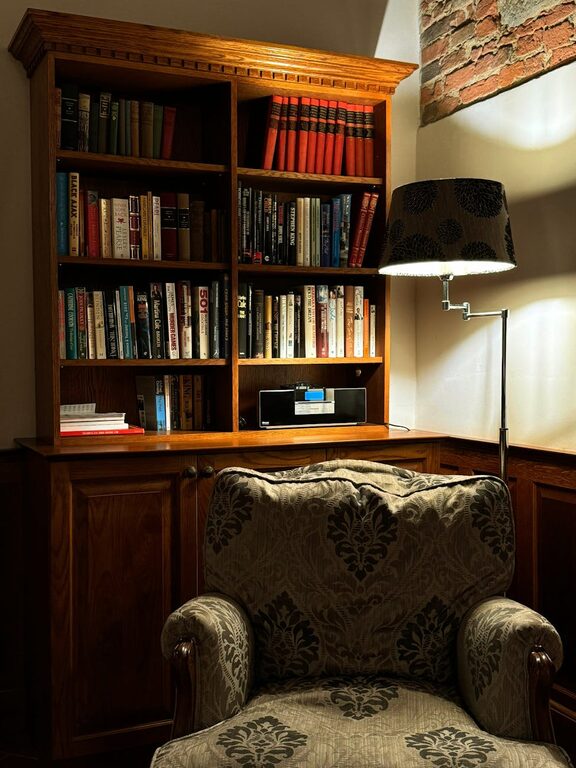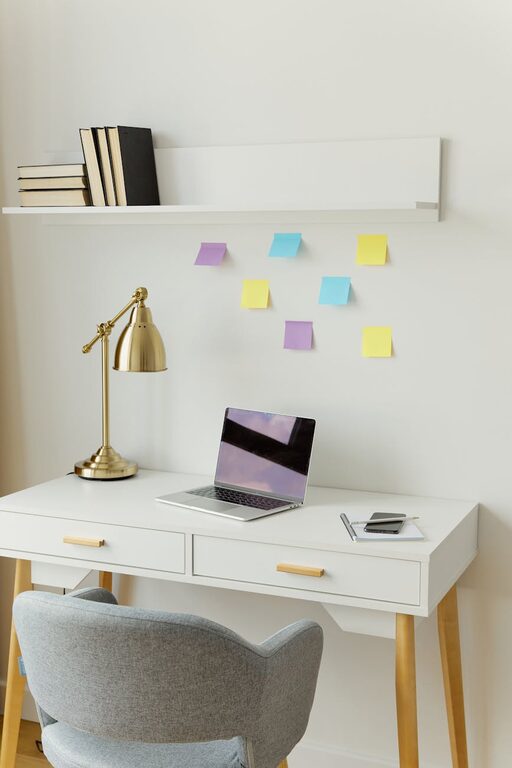
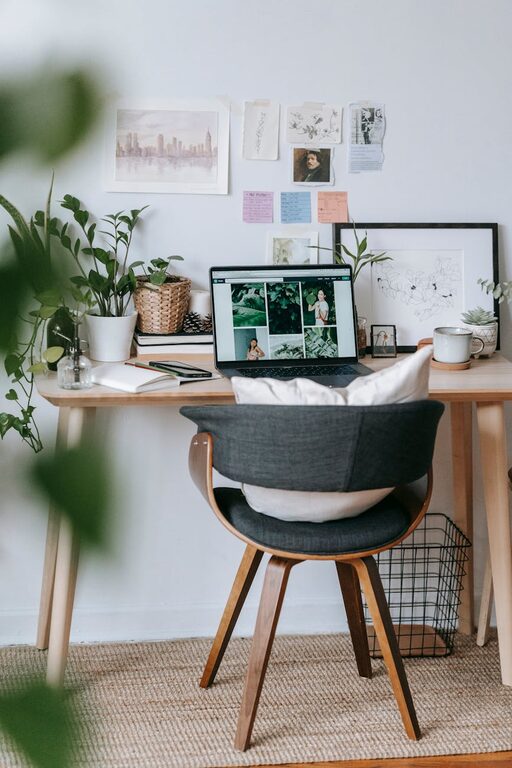
Creating a home workspace that feels both relaxing and productive can significantly improve your work-from-home experience. When your workspace supports your comfort and focus, tasks become easier and less stressful. This guide offers practical tips to help you design a home office that balances calm with efficiency.
Why a Relaxing Workspace Matters
A comfortable workspace reduces distractions and fatigue, letting you concentrate better. When your surroundings are pleasant and organized, stress levels drop, and productivity rises. Whether you spend a few hours or a full workday at home, your workspace environment plays a key role in your success and well-being.
Choose the Right Location
Find a Quiet Spot
Select a space with minimal noise and foot traffic. If possible, choose a room or corner away from busy areas like the kitchen or living room. This helps you focus and prevents interruptions.
Consider Natural Light
Position your desk near a window to benefit from daylight. Natural light improves mood and alertness. Avoid glare on your screen by adjusting blinds or using curtains as needed.
Ergonomic Furniture for Comfort
Invest in a Good Chair
A supportive chair reduces back pain and fatigue. Look for adjustable options that fit your body and encourage proper posture.
Desk Height Matters
Your desk should allow your elbows to rest at a 90-degree angle while typing. Adjustable desks or using a keyboard tray can help achieve this.
Use a Footrest if Needed
If your feet don’t rest comfortably on the floor, use a footrest. This promotes circulation and reduces strain.
Organize and Declutter
Keep Essentials Close
Arrange frequently used items—like notepads, pens, and chargers—within arm’s reach to avoid distractions.
Declutter Regularly
An uncluttered desk helps clear your mind. Spend a few minutes each day organizing papers and supplies.
Use Storage Solutions
Shelves, drawers, and organizers reduce mess and keep your workspace tidy.
Incorporate Calming Elements
Add Plants
Indoor plants improve air quality and add a touch of nature. They can lower stress and increase focus.
Choose Soothing Colors
Soft, neutral tones promote relaxation. Consider light blues, greens, or earth tones for wall paint or decor.
Personalize Thoughtfully
Display a few meaningful items like photos or artwork to create a welcoming atmosphere without causing clutter.
Manage Technology Wisely
Use a Quality Monitor and Keyboard
Comfortable tools reduce strain on your eyes and hands.
Manage Cables
Keep cords organized with clips or sleeves to prevent tangles and maintain a clean look.
Employ Noise-Canceling Headphones
If you work in a noisy environment, headphones can help you focus and block distractions.
Establish a Routine and Boundaries
Set Work Hours
Define clear start and end times for your workday to maintain balance.
Take Regular Breaks
Short breaks every hour help refresh your mind and body.
Create a Transition Routine
Begin and end your workday with simple rituals like stretching or a cup of tea to signal shifts between work and relaxation.
Enhance Air Quality and Temperature
Ventilate the Room
Fresh air boosts alertness and well-being.
Adjust Room Temperature
Keep your workspace at a comfortable temperature; neither too hot nor too cold.
Add Appropriate Lighting
Use Task Lighting
A desk lamp offers focused light for reading and writing.
Avoid Harsh Lighting
Soft ambient lighting reduces eye strain and creates a calm environment.
—
Designing a relaxing home workspace involves mindful choices in location, furniture, organization, and decor. By prioritizing comfort and minimizing distractions, you set yourself up for more productive and enjoyable workdays. Start with small changes and customize your space to reflect what helps you feel most at ease.
About the Author